How to Find Your Real Shopify Competitors
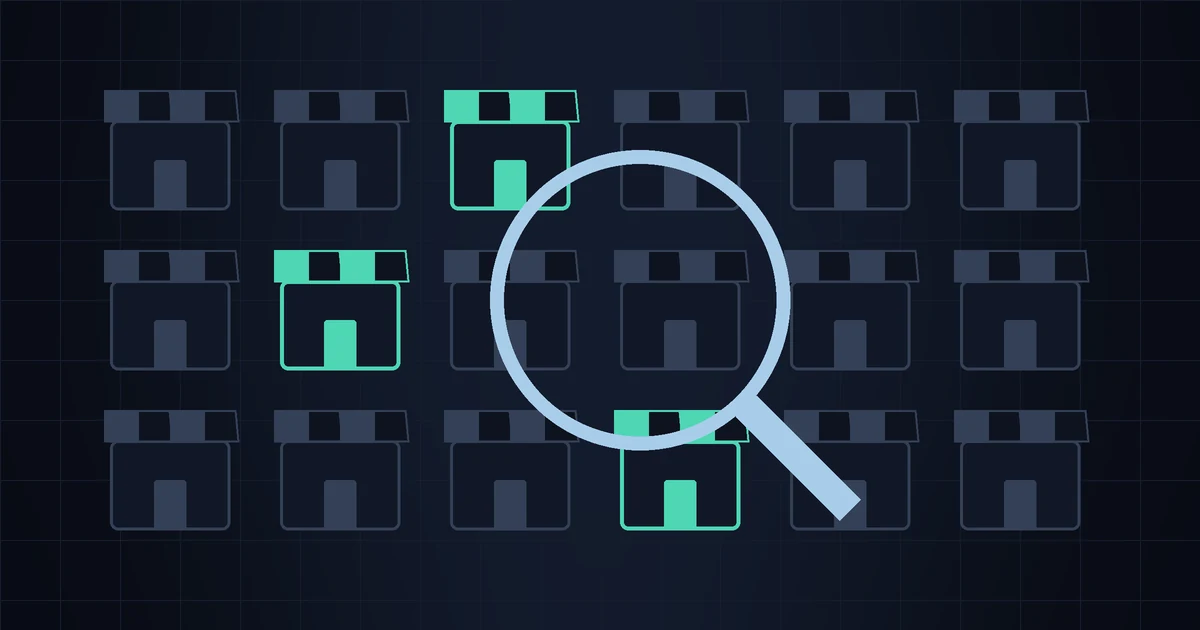
Before you can track competitors, you have to know who they actually are — and this is where most small-store research goes wrong. Ask a merchant to name their competitors and you'll usually get the two or three biggest brands in the category: the household names with a warehouse, a paid ads team, and a price you can't touch. Those aren't your competitors. They're the weather. Your real competitors are the handful of stores your customers put in the same browser tabs as you, right before they decide where to buy.
Getting this list right matters more than any tool you'll layer on top of it. Watch the wrong stores and every alert you get is noise about businesses that don't influence your sales. Watch the right five, and a competitor's price drop or stockout becomes something you can actually act on. Here are five practical ways to build that list — all free — followed by how to trim it down to what's worth your attention.
Method 1Search the way your customer does
Your best customer doesn't search for your brand. They search for the problem or the product: "organic dog treats grain free," "linen apron with pockets," "magnetic phone mount for bike." Open an incognito window (so your own history doesn't skew results) and run the three or four phrases a buyer would actually type.
Ignore the marketplaces — Amazon, Etsy, eBay — and the giant retailers for now. What you're hunting for is the independent stores ranking on page one and two: the ones close enough to your size that they're genuinely competing for the same click. Those are the stores a real buyer sees alongside you. Keep a running list; you'll recognise the same names appearing across several searches, and those repeat offenders are your core competitors.
Method 2Read Google Shopping and the ads
Run the same product searches through the Google Shopping tab. This surfaces stores actively spending money to sell products like yours — which is a strong signal they see the category as worth competing in. You'll see their price right next to the product, which doubles as instant positioning research: are they above you, below you, bundling?
Two more free windows into who's advertising against you:
- Google's Ads Transparency Center — search a store name to see the ads they're currently running, which tells you what they're pushing.
- Meta Ad Library — the same idea for Facebook and Instagram. Search a competitor, or search a product term and see which stores are advertising it. This is where a lot of small DTC competition actually happens.
A store paying to advertise the exact product you sell is, almost by definition, a competitor. Add them to the list.
Method 3Mine your customer reviews and support inbox
This is the method most merchants skip, and it's the most honest one — because it comes from the people actually deciding. Your customers routinely tell you who else they considered:
- Reviews that say "cheaper than [brand] and better quality" — that brand is a competitor, named by a buyer.
- Support tickets asking "do you price match [store]?" — a direct cross-shopping signal.
- Post-purchase survey answers to "did you consider any alternatives?" If you're not asking this, add it; one line in a follow-up email builds a competitor list for you over time.
Method 4Use "similar store" tools — carefully
A few tools try to surface stores similar to a given one. SimilarWeb has a "similar sites" feature and audience-overlap data (a limited free view). Browser extensions like Koala Inspector or Commerce Inspector can tell you whether a store runs on Shopify and hint at its apps and bestsellers. Google's plain old related: operator — type related:examplestore.com — sometimes turns up neighbours, though it's hit or miss for small sites.
Treat all of these as lead generators, not verdicts. They're built on traffic estimates and pattern-matching, so they'll hand you plenty of near-misses — stores in a related category, stores far bigger or smaller than you. Use them to widen the net, then apply the "is this actually a competitor?" filter below before anything makes your watch list.
Method 5Confirm they're on Shopify (and worth automating)
Once you have candidate stores, one quick check tells you how easy each will be to monitor. Add /products.json to any store's homepage URL:
https://candidate-store.com/products.jsonIf you get back a structured list of products, prices and availability flags, the store runs on Shopify — and its entire catalog is public, machine-readable data you (or a tool) can track cheaply and precisely. If you get an error or a normal HTML page, it's on another platform, and you're limited to slower page-watching methods. In most small-DTC niches, the majority of your direct competitors will be on Shopify, which is exactly why this check is worth doing. We explain what's inside that file in The /products.json trick.
Found your competitors? Now watch them without the busywork
StoreSentry keeps an eye on your competitors' Shopify stores — price changes, new products, restocks and stockouts — and sends a clean digest by email or Telegram. Start free with two competitors and add more as you go.
Install the app — free for 2 competitors →Trimming the list: from "everyone" to your real 3–8
The methods above will hand you fifteen or twenty names. That's too many to watch meaningfully, and most of them aren't real rivals. Run each candidate through four questions and keep only the ones that pass:
- Same buyer. Would your customer seriously consider buying from them instead? If they serve a different segment — luxury vs budget, pro vs hobbyist — they're not competing for your sale.
- Comparable products. Do they sell things a shopper would put side by side with yours? Overlap in one or two SKUs is enough; you don't need a mirror catalog.
- Similar scale and price band. A store 50× your size isn't your competitor — it's your ceiling, and you can't react to its moves anyway. Focus on stores within reach of your own pricing and positioning.
- Reachable positioning. If they win purely on brand or a moat you can't cross, watching their prices won't change your decisions. Skip them.
What survives is usually three to eight stores. That's the sweet spot: enough to see the patterns that move your revenue, few enough that you'll actually read the alerts. If you're not sure how to turn that shortlist into a fast, repeatable review, our 30-minute competitor analysis walks through it step by step.
Keep the list alive
A competitor list isn't a one-time exercise. New stores launch, old ones pivot or close, and your own positioning drifts as you add products. Revisit the list every quarter: re-run a couple of the searches, glance at recent reviews for new names, and drop any store you've stopped genuinely competing with. Ten minutes a quarter keeps you from spending the other 89 days watching the wrong stores.
Once the list is right, the work shifts from finding to watching — and that's the part worth automating, because doing it by hand across even five stores gets old fast. If you're weighing your options there, we compared the realistic ones in Competitor price tracking tools compared.
FAQ
How many competitors should a small store track?
Three to eight is plenty for most stores. Beyond that, you're collecting data you won't read. Start with your two or three closest rivals and add only when a new store clearly starts competing for the same customers.
Should I include big brands and marketplaces?
Usually no. If you can't realistically react to their pricing, watching it just generates anxiety. Track stores in your own size and price band — the ones where a move on their side warrants a decision on yours.
How do I know if a store runs on Shopify?
Add /products.json to its homepage URL. A structured product list means Shopify; an error or plain page means another platform. This tells you how easily you'll be able to monitor it.