What a Competitor's Shopify Collections Reveal About Their Plans
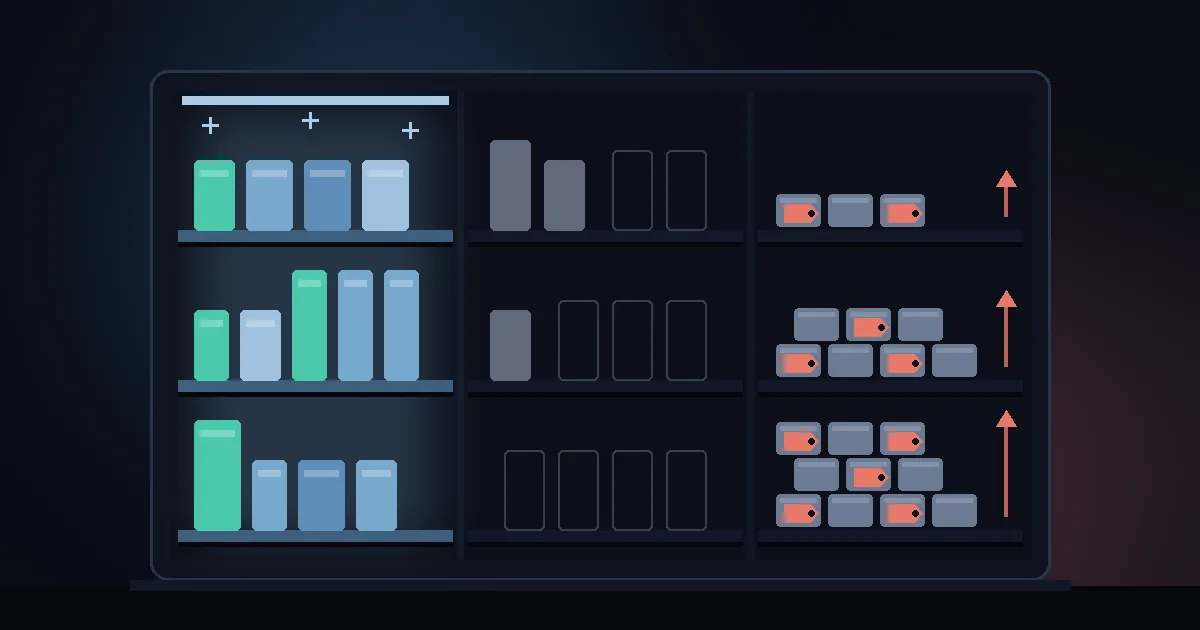
A competitor's collections show which categories they push, which seasons they plan for and how much stock they are trying to clear. On most Shopify stores you can read the full list for free at /collections.json and check what sits inside each one, then compare that list month to month.
In short: Collections are how a competitor groups products for shoppers. New collections point to new categories or campaigns, a growing sale collection points to stock they need to move, and a collection that disappears usually means a line was dropped. A snapshot every week or two is enough to see the pattern.
Why collections say more than the product list
The product feed tells you what a store sells. Collections tell you how the owner groups and presents it, and that grouping is a decision someone made on purpose. A store that creates a collection called Trail Running has decided that trail running deserves its own entry in the menu. A store that adds Gifts Under $50 in October is planning a holiday push at that price point.
Collections also change less often than prices, so each change carries more weight. A price can move three times in a week because of a test or a mistake. A new collection takes setup work, a menu change and often new photography, so it rarely appears by accident.
Where to find a store's collections
On a standard Shopify store, add /collections.json to the domain. The response lists the published collections with their handle, title, description and publication date. The handle is the short name used in the address, such as trail-running. To see what is inside one collection, open /collections/trail-running/products.json, which returns the products in that collection in the same format as the main catalog feed described in our guide to the /products.json endpoint.
Both feeds are paginated. Add ?limit=250&page=2 and continue until a page comes back empty. Some stores turn the endpoints off or hide collections from the storefront, and automatic collections built on rules show only what currently matches the rule. The result is what a visitor sees today, and the store's internal setup can differ.
A worked example over eight weeks
Say you sell outdoor gear and watch one main competitor with about 240 products. In early March their store has 14 collections. You save the list, plus the product count for each collection, in a spreadsheet.
Eight weeks later the list has 17 collections. Three are new: Trail Running with 9 products, Gift Sets Under $50 with 6 products, and Last Chance. One old collection, Climbing Accessories, is gone. Last Chance changed fastest. In the three weekly checks after it appeared, it held 12, then 19, then 31 products. With 240 products in the store, 31 means roughly 13 percent of the catalog is now in a clearance collection.
Together this looks like a store moving into trail running, leaving climbing accessories and clearing older stock fast. The clearance growth matters most for your pricing over the next month, because those 31 products will be discounted and some of them probably compete with yours.
Reading new, growing and missing collections
A new collection with products you have never seen in their catalog means a new category. Check the published dates on those products: if they all appeared in the same two weeks, the launch was planned. If a new collection groups products they already sold, it is a campaign or a reorganisation: the range is the same, only the emphasis moved.
A sale or clearance collection that keeps growing is the easiest change to read. Compare its product count week by week and check the prices inside it. Steady growth over several weeks usually means overstock or the end of a line. A collection that fills up and empties within a few days fits a planned sale, which you can match against their pattern if you already keep a sale calendar for them.
A collection that disappears needs a second look before you draw a conclusion. If its products are still in the catalog, the store only reshuffled the menu. If the products are gone too, the category was dropped, and the same reasoning as for removed products applies: it can be a clearance finished, a supplier lost or a category that did not sell.
Turning the changes into decisions
A competitor entering a category you already sell in is a reason to check your own prices and stock there. Cutting prices straight away is usually too early. Their first products in a new category are often priced to get noticed, and those prices tend to settle after a few weeks. Watch the new collection for a month before you react.
A competitor leaving a category is the opposite case. Shoppers who bought those products from them will look elsewhere, and if you carry the same items you may be able to hold your price rather than compete with a rival who is no longer there.
A large clearance at a competitor is a short window in which they will undercut you on the overlapping products. You can wait it out, push your own products that do not overlap, or match on a small number of items where losing the sale would cost you a repeat customer. Collection order can also hint at which products they push hardest, as described in the article on tracking a competitor's best-sellers.
When weekly collection checks get too slow
Checking collections by hand works for one or two competitors and a weekly rhythm. It gets slow when you follow five or more stores, because each check means opening the collection list, counting products in every collection and comparing with last time. A collection that existed for only four days between two checks will not show up at all.
You can try a one-off look at any store with the free Shopify store checker. StoreSentry works at the product level rather than the collection level: it checks the stores you add every hour and reports price changes, new and removed products, restocks and sell-outs, with a price history for each product. That covers the products moving into and out of a clearance collection, while the collection list itself is still worth a look by hand every couple of weeks.
See which products move into a competitor's clearance
StoreSentry checks competitor Shopify stores on a schedule and sends a digest of price moves, launches, restocks and sell-outs by email or Telegram. Free for 2 competitors, no card required; price history on every plan.
Install the app - free for 2 competitors →