How to Map a Competitor's Price Ladder and Find Gaps in Yours
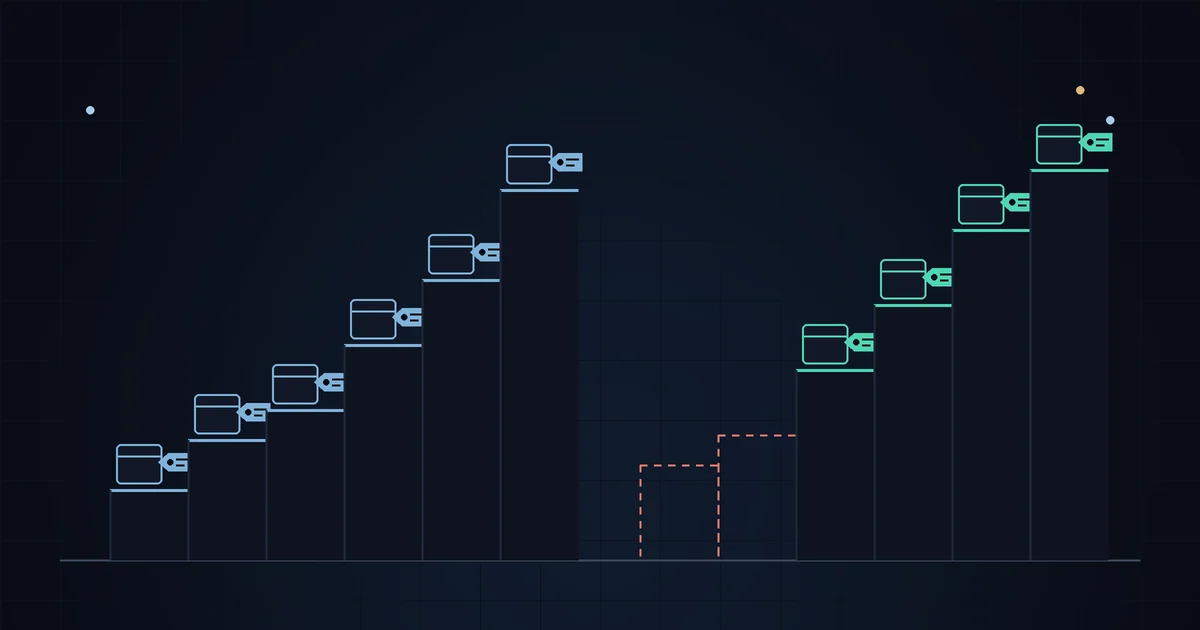
A competitor's price list tells you more than whether they are cheaper than you. Line up every product they sell by price and you get their price ladder: how many items sit at the entry level, where the bulk of the range lives, and how far up the premium end goes. Put your own ladder next to it and the gaps in your assortment show up in a few minutes, using nothing but public catalog data and a spreadsheet.
What a price ladder is and why it matters
A price ladder is the spread of a store's products across price points. Most small stores have three rough rungs, whether they planned them or not:
- Entry items, cheap enough to be a first purchase or an add-on.
- Core items, where most of the range and most of the revenue sit.
- Premium items, bought less often but make the core look reasonable next to them.
Individual price comparisons answer "am I more expensive on this product?" A ladder answers a different question: "are we even selling to the same budgets?" Two stores can have identical prices on matched products and still compete very differently because one of them has twenty items under $25 and the other has four.
Pull the data for free
Every Shopify store publishes its catalog at /products.json. Add ?limit=250 to get up to 250 products per request and &page=2, &page=3 and so on until a page comes back empty. If you have not used it before, the /products.json guide covers the structure in detail.
For a ladder you only need a few fields per product:
titleandproduct_type, to know what the product is;- the lowest
priceacross itsvariants, the "from" price a shopper sees first; compare_at_price, to know whether that price is a sale price right now.
Paste the result into a sheet with one row per product. Remove gift cards, samples and anything that is clearly not a real product. Do the same for your own store so both lists are built the same way.
Bucket both catalogs into price bands
Pick bands that make sense for your category. For a mid-priced outdoor clothing store, these work: under $25, $25 to $50, $50 to $100, $100 to $200 and over $200. Count the products in each band and turn the counts into shares, because a competitor with twice your range will win every raw count.
Here is a worked example: a competitor with 120 products and your store with 64.
| Band | Competitor (count) | Competitor (share) | You (count) | You (share) |
|---|---|---|---|---|
| Under $25 | 18 | 15.0% | 4 | 6.3% |
| $25 to $50 | 42 | 35.0% | 22 | 34.4% |
| $50 to $100 | 38 | 31.7% | 26 | 40.6% |
| $100 to $200 | 17 | 14.2% | 10 | 15.6% |
| Over $200 | 5 | 4.2% | 2 | 3.1% |
| Total | 120 | 100% | 64 | 100% |
The middle rungs look alike. The difference is at the bottom: 15% of the competitor's range sits under $25, against 6.3% of yours.
Go one level down: ladders per category
A whole-store ladder mixes socks with jackets, so the next step is to repeat the count inside one category. Filter by product_type, or pull a single collection from /collections/<handle>/products.json if the store leaves product_type empty, which many do.
Inside a category, list the actual price points instead of bands. Continuing the example, base layers:
- Competitor: $39, $49, $64, $79
- You: $59, $72
The competitor covers four budgets with steps of $10 to $15. You start at $59, so a shopper who wants to spend around $40 on a base layer has nothing to buy from you. You also have nothing above $72, while they do.
If you already track matched products, the competitor price index tells you how expensive you are product by product. The ladder shows whether you have products at the prices your shoppers want to pay.
Turning gaps into decisions
Treat a gap as a question to check before you copy anything. Common patterns:
- If your entry rung is thin, the competitor may be using cheap items as first purchases and add-ons. Check whether you have something that could play that role: a smaller size, an accessory, a basic version of a core item.
- If 40% of your range sits in one band, several of your own products are probably competing with each other. Spreading them out can do more than adding new ones.
- A few higher-priced items change how the rest of the range is read. If the competitor has them and you don't, your top item is the most expensive thing a shopper sees from you.
- A band you cover and they don't can be an advantage. Before treating it as a mistake, look at how your products in that band actually sell.
From outside, a competitor's ladder shows what they list, not what sells, what it costs them, or what they are quietly clearing out. A cluster of cheap products might be leftovers on their way out. Look at compare_at_price first: if half the entry rung is marked down, it may be a sale and not their normal range. See how to read compare_at_price to tell real markdowns from permanent ones.
Where the manual method stops
The spreadsheet approach costs nothing and works well once or twice a year. Its limits show up when you try to keep it current:
- It is a snapshot. Run it during a sale and the ladder is shifted down; run it after a launch and it is shifted up.
- Products with wide variant ranges ($40 for a small, $90 for a large) get placed by their lowest price, which can mislead.
- Comparing two snapshots by hand to see what moved between bands gets tedious beyond one or two competitors.
- Products come and go. A competitor dropping a whole rung is a signal in its own right, as covered in what removed products tell you.
For a one-off look at any store's catalog, the free Shopify store checker gives an instant snapshot without signup. StoreSentry won't build the ladder for you, but it keeps a price history for every tracked product and sends a digest when competitors change prices, launch products or remove them, which tells you when the ladder you built has gone stale and is worth rebuilding.
A short routine you can repeat
- Export both catalogs from
/products.jsoninto one sheet. - Remove gift cards and non-products; note which items are on sale.
- Count products per price band and convert to shares.
- Repeat inside your two or three most important categories using actual price points.
- Write down one gap per category and one thing you will check before acting on it.
Once a quarter is usually enough, because a store's range changes more slowly than its prices.
Know when your ladder goes stale
StoreSentry checks competitor Shopify stores on a schedule and sends a digest of price moves, launches, restocks and sell-outs by email or Telegram. Free for 2 competitors, no card required; price history and CSV export on paid plans.
Install the app — free for 2 competitors →